
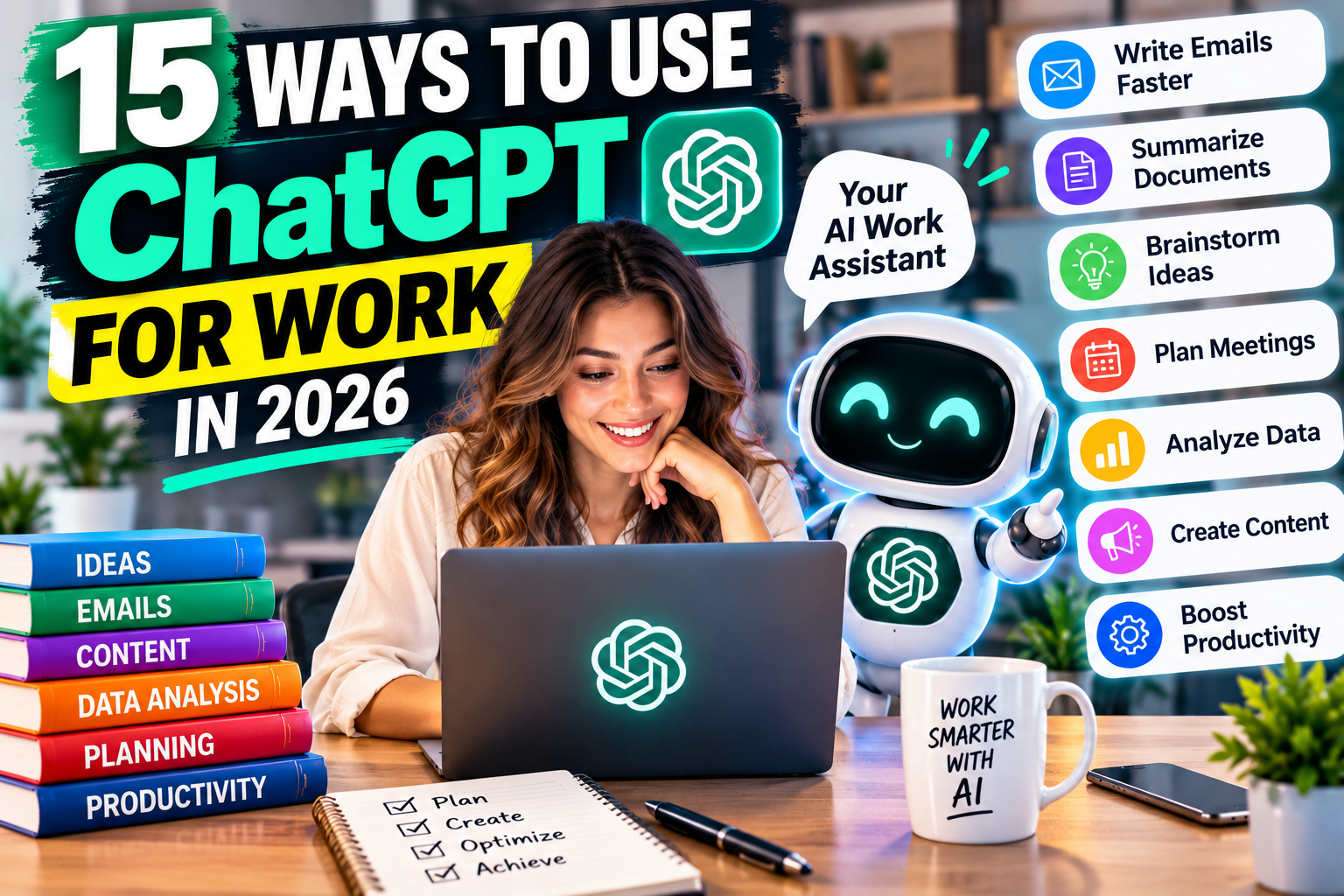
How to Use ChatGPT for Work: 15 Practical Examples to Boost Productivity in 2026
Imagine finishing your daily workload faster, writing professional emails in seconds, and spending less time on repetitive tasks. That’s the potential of using ChatGPT for work.
In 2026, artificial intelligence is changing how professionals approach everyday responsibilities. From customer service representatives to business owners, employees are discovering practical ways to use ChatGPT to improve productivity.
Whether you’re a beginner or an experienced professional, these 15 examples will show you how to use ChatGPT for work effectively.
- Write Professional Emails Faster
Struggling to find the right words? ChatGPT can draft professional emails for customers, coworkers, and managers.
Try this prompt: “Write a polite email requesting an update on a project deadline.”
- Summarize Long Documents
Instead of reading lengthy reports repeatedly, use ChatGPT to identify important information and summarize key points.
Try this prompt: “Summarize this document into five key takeaways and three action items.”
- Create Meeting Agendas
Organize productive meetings by generating structured agendas with discussion topics and time allocations.
Try this prompt: “Create a 30-minute team meeting agenda focused on improving customer satisfaction.”
- Brainstorm Creative Business Ideas
ChatGPT can help generate marketing concepts, product ideas, and potential solutions to business challenges.
Try this prompt: “Suggest 10 affordable marketing ideas for a small online business.”
- Improve Customer Service Responses
Customer support teams can use ChatGPT to draft friendly, professional responses to common questions and complaints.
Try this prompt: “Write an empathetic response to a customer whose delivery arrived late.”
- Create Social Media Content
Businesses can generate captions, promotional ideas, and content calendars for platforms like Instagram, Facebook, and LinkedIn.
Try this prompt: “Create five engaging LinkedIn posts about workplace productivity.”
- Analyze Spreadsheet Data
ChatGPT can help explain spreadsheet formulas, identify patterns, and analyze uploaded data when supported features are available.
Try this prompt: “Analyze this sales spreadsheet and identify the three strongest-performing products.”
- Prepare Job Interview Questions
Hiring managers can brainstorm relevant interview questions, while job seekers can practice answering them.
Try this prompt: “Generate 10 interview questions for a customer service representative position.”
- Write Blog Posts and Articles
Content creators can use ChatGPT to develop article outlines, headlines, introductions, and SEO keyword ideas.
Try this prompt: “Create an SEO-friendly outline about the best AI productivity tools for beginners.”
- Build Daily To-Do Lists
Improve time management by turning scattered responsibilities into organized, prioritized schedules.
Try this prompt: “Organize these eight tasks into a realistic workday schedule, prioritizing urgent deadlines.”
- Create Business Presentations
ChatGPT can help structure presentations, draft slide content, and simplify complicated information.
Try this prompt: “Create a 10-slide presentation outline explaining our quarterly sales results.”
- Write Product Descriptions
E-commerce sellers can generate engaging product descriptions highlighting benefits, features, and customer needs.
Try this prompt: “Write a compelling 100-word product description for a handmade leather wallet.”
- Research Competitors
ChatGPT can help develop competitor comparison frameworks and organize publicly available information.
Try this prompt: “Create a competitor analysis template comparing pricing, features, and customer experience.”
Verify any current competitor information using reliable sources.
- Improve Workplace Communication
Turn confusing messages into clear, professional communication while maintaining your intended meaning.
Try this prompt: “Rewrite this message to sound professional, confident, and friendly.”
- Learn New Professional Skills
ChatGPT can explain unfamiliar concepts, provide practice exercises, and create personalized learning plans.
Try this prompt: “Create a beginner-friendly seven-day learning plan for Microsoft Excel.”
Tips for Using ChatGPT Effectively at Work
To get better results from ChatGPT for work, provide specific instructions, explain your goals, and include relevant context.
For example, instead of asking, “Write an email,” explain who will receive it, what you want to communicate, and which tone you prefer.
Always review AI-generated content for accuracy. Avoid sharing confidential company information, personal customer details, or sensitive business records unless your organization has explicitly approved the tool and its data-handling settings.
Remember, ChatGPT works best as an assistant that supports professional judgment rather than replacing it.
Final Thoughts: Work Smarter With ChatGPT in 2026
You don’t need advanced technical skills to begin. Choose one of these 15 practical ChatGPT examples, experiment with the suggested prompt, and gradually incorporate useful AI workflows into your routine.
Ready to boost your productivity? Start using ChatGPT for one everyday work task and discover how artificial intelligence can support your professional success.