
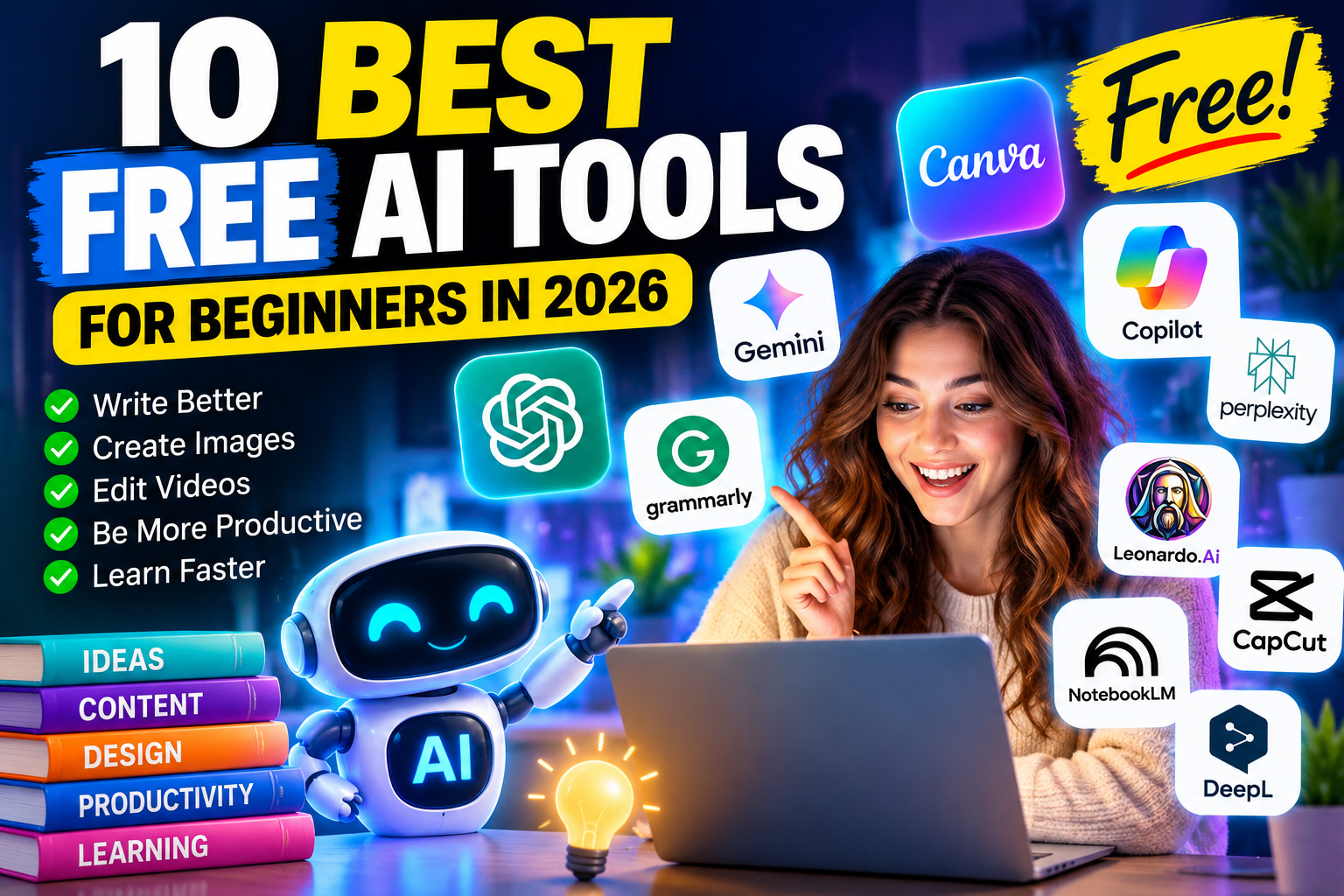
10 Best Free AI Tools for Beginners in 2026: Powerful Tools Anyone Can Use
Artificial intelligence is no longer reserved for technology experts. In 2026, anyone with an internet connection can use AI to write content, create images, organize tasks, research topics, and improve productivity.
The best part? You don’t need expensive software or advanced technical skills to get started.
If you’re searching for the best free AI tools for beginners in 2026, this guide introduces 10 beginner-friendly platforms that can help you work smarter, save time, and explore artificial intelligence without a major investment.
ChatGPT – Best for Writing and Everyday Tasks
ChatGPT is one of the most versatile AI tools for beginners. It can help generate blog ideas, explain complicated subjects, draft emails, brainstorm business strategies, and summarize information.
Its conversational interface makes it particularly easy for first-time users.
Best for: Writing, brainstorming, learning, and productivity.
Free option: Available with usage limits.
Website: https://chatgpt.com
- Google Gemini – Best for Research and Creative Ideas
Google Gemini is a beginner-friendly AI assistant that helps users answer questions, develop creative ideas, and understand unfamiliar topics.
Whether you’re planning a project, studying, or preparing content, Gemini offers a convenient starting point.
Best for: Research assistance, brainstorming, and everyday questions.
Free option: Available with feature and usage restrictions.
Website: https://gemini.google.com
- Canva – Best for AI-Powered Graphic Design
Want to create professional-looking graphics without design experience? Canva offers templates and AI-powered design features for social media posts, presentations, marketing materials, and blog images.
Its drag-and-drop interface is ideal for beginners.
Best for: Pinterest pins, blog graphics, and social media content.
Free option: Free plan available; some AI features require payment.
Website: https://www.canva.com
- Microsoft Copilot – Best for Everyday Productivity
Microsoft Copilot helps users brainstorm ideas, draft text, answer questions, and organize information.
Beginners can use its conversational features to simplify everyday work and personal projects.
Best for: Productivity, writing assistance, and quick explanations.
Free option: Free access to selected features.
Website: https://copilot.microsoft.com
- Perplexity AI – Best for Finding Information
Perplexity AI combines conversational search with links to supporting sources.
Instead of browsing numerous search results, users can ask questions and explore summarized answers with references.
Always verify important claims against original sources.
Best for: Research, fact-checking, and learning new topics.
Free option: Free search features with limits on advanced capabilities.
Website: https://www.perplexity.ai
- Grammarly – Best for Improving Your Writing
Grammarly helps identify grammar mistakes, spelling errors, and opportunities to improve clarity.
Its AI-assisted writing features can be useful for students, bloggers, job seekers, and professionals.
Best for: Emails, articles, resumes, and proofreading.
Free option: Basic writing assistance; advanced AI features may be limited.
Website: https://www.grammarly.com
Leonardo AI allows users to experiment with AI-generated artwork and visual concepts using written prompts.
Beginners can explore different styles for illustrations, creative projects, and digital content.
Best for: AI artwork, illustrations, and visual brainstorming.
Free option: Limited free generation credits or tokens, subject to current plan terms.
Website: https://leonardo.ai
- CapCut – Best for AI Video Editing
CapCut makes video editing accessible through beginner-friendly tools, templates, captions, and selected AI-assisted features.
It’s especially useful for creating short videos for YouTube, TikTok, and Instagram.
Best for: Short-form videos, captions, and social media editing.
Free option: Free editing features; some AI tools and exports may require payment.
Website: https://www.capcut.com
- NotebookLM – Best for Studying and Understanding Documents
Google NotebookLM helps users work with their own uploaded sources, including documents and notes.
It can summarize information, answer questions about source material, and support more organized learning.
Best for: Studying, document summaries, and research notes.
Free option: Available with usage limits.
Website: https://notebooklm.google.com
- DeepL – Best for AI Translation
DeepL helps translate text between supported languages and offers tools for improving written communication.
Its simple interface makes it helpful for travelers, students, and people working with multilingual content.
Best for: Translation and language assistance.
Free option: Free translation access with restrictions.
Website: https://www.deepl.com
How to Choose the Best Free AI Tool
Choosing the right platform depends on your goals. For writing, start with ChatGPT or Grammarly. For graphics, explore Canva or Leonardo AI. For research, try Perplexity or NotebookLM.
Remember that free AI tools often have daily limits, restricted features, or paid upgrades. Review each platform’s current pricing, privacy policies, and commercial-use terms before relying on it for professional projects.
Final Thoughts: Start Using Free AI Tools Today
The best free AI tools for beginners in 2026 make artificial intelligence more accessible than ever.
You don’t need to master all 10 platforms. Start with one tool that solves an everyday problem, practice using clear instructions, and gradually expand your skills.
Which free AI tool will you try first? Share your favorite and explore more beginner-friendly AI guides at LatestAITechs.com.